When you enlarge image for printing, the software has to invent the pixels that were never captured, so a small photo can grow a little before it turns soft. How far it can go depends on viewing distance: a banner read from across a road needs far fewer pixels per inch than a poster read at arm’s length. The honest fixes for a tiny file are to find the original, or to rebuild a logo as a vector.
Print shops say dpi, but your file’s number is pixels per inch (ppi): its pixel width divided by the printed width in inches. Every figure below comes from that one sum.
Can I enlarge a small image for printing?
Yes, within limits. Enlarging is called resampling: the software works out new pixels by averaging their neighbours. A modest enlargement of a clean photo, often up to about double in each direction, usually survives. Beyond that, edges turn soft and blocky because the extra pixels carry no new detail.
Viewing distance gives you room: a 12 megapixel phone photo can fill a large banner but not a wall seen from the sofa.
Why do small images look blurry on big prints?
Three things stack up. First, stretching: a photo 1,280 pixels wide printed 6 ft wide works out to about 18 pixels per inch, so every pixel becomes a block around 1.4 mm across, which the eye picks out at close range.
Second, compression: JPG files lose detail each time they are saved, and chat apps shrink and recompress pictures, which printing then enlarges. Third, screenshots: text in them is drawn in pixels and turns to steps when blown up.
What resolution is enough for a banner or wall?
Work back from how far away people will stand. A rule of thumb based on what a normal eye can separate is to divide 3,400 by the viewing distance in inches. At 10 ft (120 inches) that gives about 28 pixels per inch, and at 3 ft (36 inches) about 94.
| Your file | Close up (about 100 ppi) | Event banner (about 72 ppi) | Hoarding distance (about 30 ppi) |
|---|---|---|---|
| 800 px wide, a web graphic | 8 in | 11 in | 2 ft 3 in |
| 1,280 px, a chat-size photo | 1 ft 1 in | 1 ft 6 in | 3 ft 7 in |
| 1,920 px, a full HD image | 1 ft 7 in | 2 ft 3 in | 5 ft 4 in |
| 4,000 px (12 MP phone photo) | 3 ft 4 in | 4 ft 8 in | 11 ft 1 in |
| 8,000 px (50 MP phone photo) | 6 ft 8 in | 9 ft 3 in | 22 ft 3 in |
Read across the 12 megapixel row: the same photo is fine at 11 ft wide for a hoarding-style board, acceptable at nearly 5 ft as an event banner, and strained beyond 3 ft if people stand close.
How can I upscale a photo for printing?
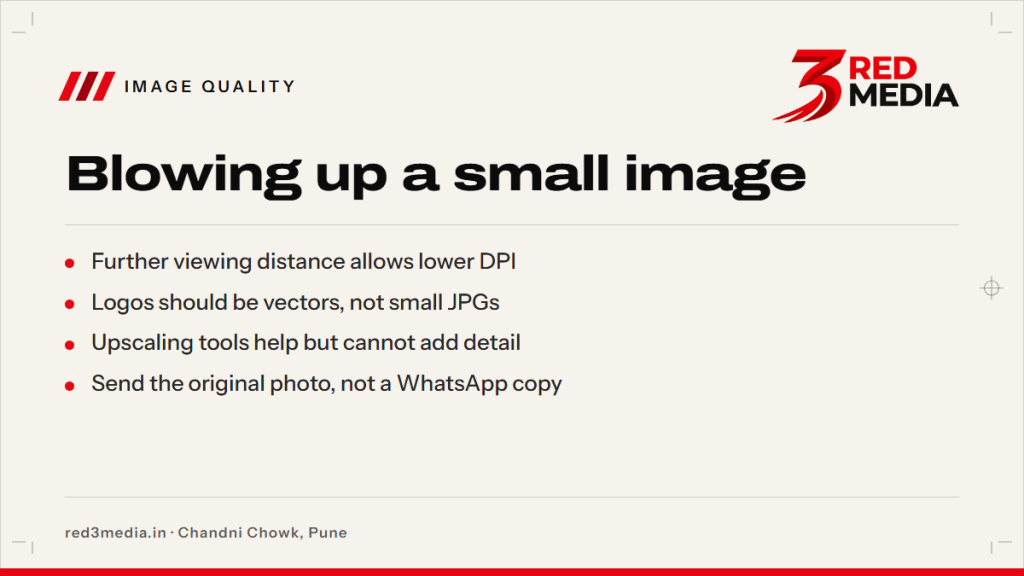
- Find the original first: the camera or phone file, or the designer’s export, not the copy that came through chat.
- Crop gently, because cropping throws pixels away.
- Enlarge in a photo editor or with an AI upscaler, then compare the result with the original at full zoom.
- Sharpen lightly at the end, and add a hint of grain if the surface looks plastic.
Upscaling tools help but cannot add detail that was never captured. They produce believable texture in sky, foliage and fabric, and they are risky with faces, signatures and lettering, where invented detail can quietly change a shape. Judge the result at the size it will be printed, not at screen size.

When is it better to rebuild a logo as a vector?
Almost always, when the only copy is a small JPG or PNG. A vector file stores a logo as shapes and curves, so it stays sharp at any size, while a pixel file holds only what it was saved with.
| Point | Pixel file (JPG, PNG) | Vector file (AI, CDR, SVG, PDF) |
|---|---|---|
| Made of | Pixels | Shapes and curves |
| When enlarged | Softens and blocks | Stays sharp |
| Good for | Photographs | Logos, text, icons |
| Usually comes from | A phone, chat or website | A designer or brand kit |
Ask whoever made the logo first, since the original file is often still with them. Failing that, a designer can redraw it over the pixel version; a one-click auto-trace of a tiny image tends to give lumpy curves. Plain text is easiest: retype it in the right font.
How do I check image quality before sending to the printer?
- Find the pixel size (right-click the file, then Properties, then Details) and divide the width by the print width in inches.
- Open the file at 100% zoom, which shows each pixel as it will print at roughly 100 ppi. Soft here means soft up close on paper.
- Send the original as a document, or by email or a Drive link, not as a chat picture.
- Read the proof zoomed in before you approve it.
A mandal forwarding a 900-pixel image from a family group for a 10 ft backdrop is the classic case, which works out to 7.5 pixels per inch. The fix is the original file, not a bigger banner. Before anything is printed at Chandni Chowk, Pune, 3 Red Media checks the image size against the print size, so the proof shows what will come out.
Formats are listed in the artwork guide, common sizes in the banner size guide, and the wider range on large format printing. Upload the file and the size you need through the quote form to see a proof.