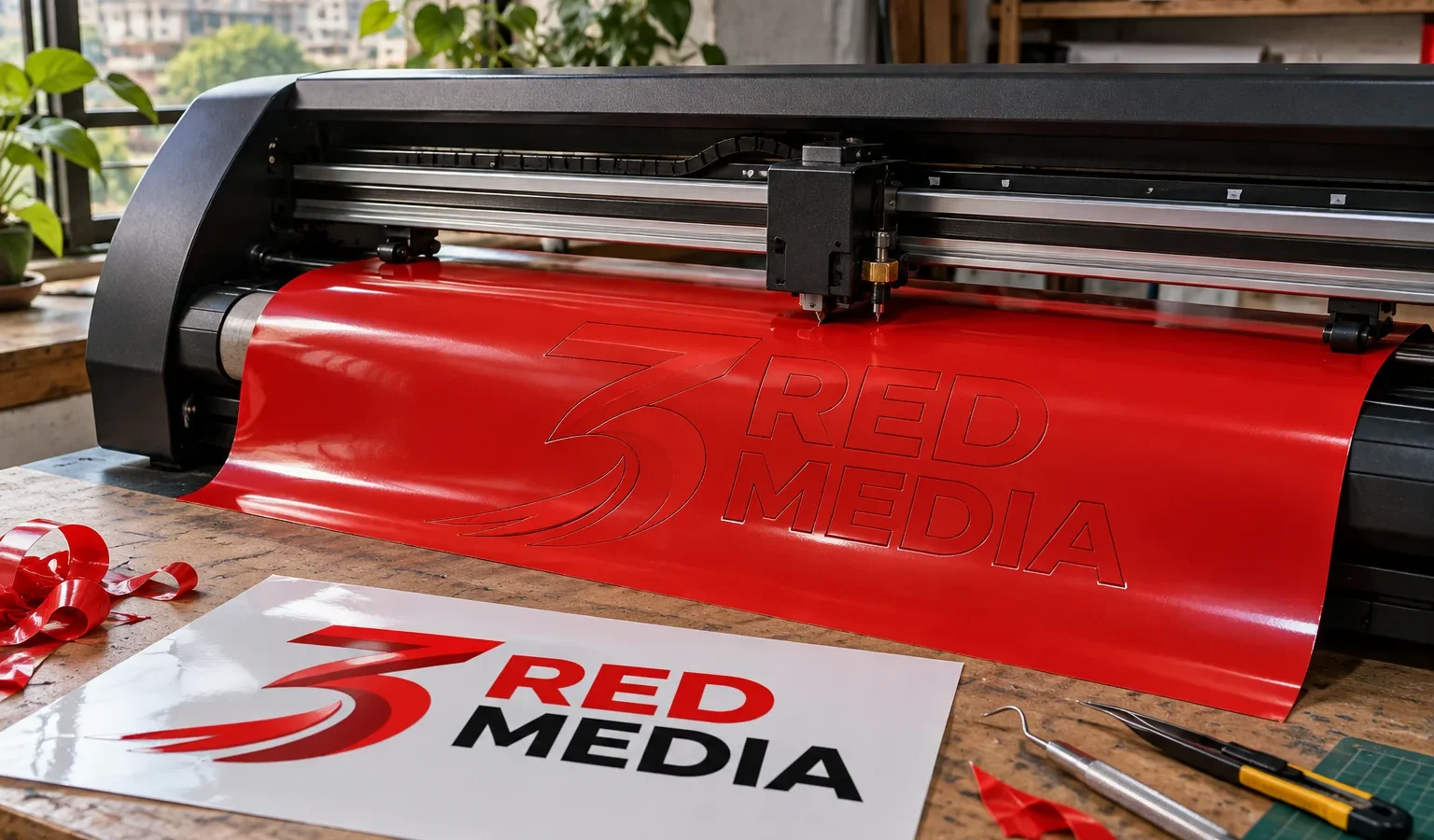
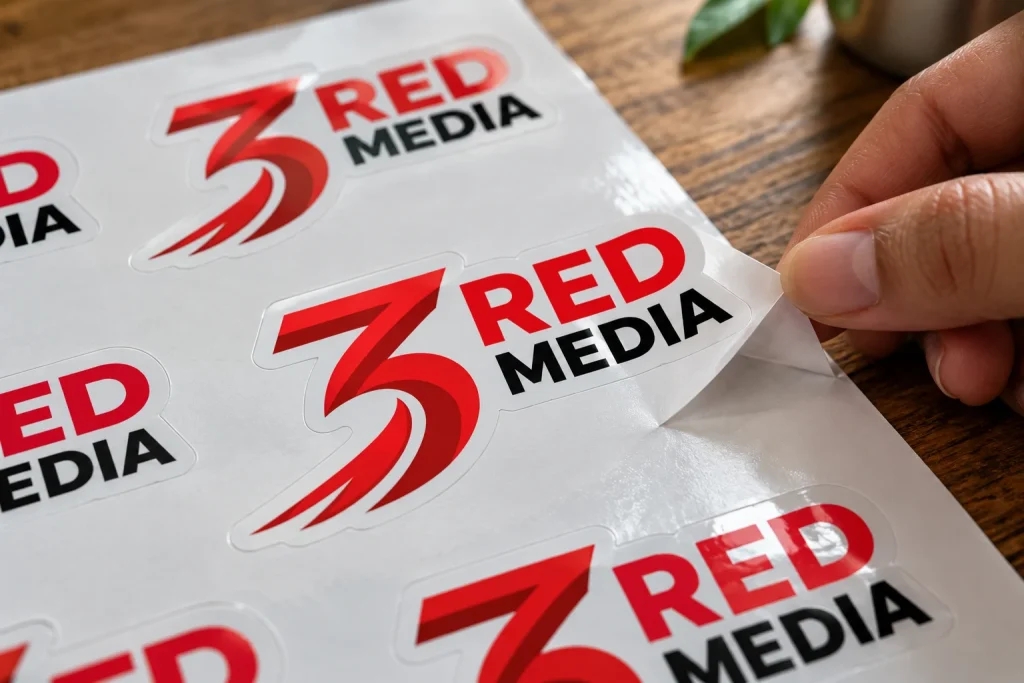
Contour cut stickers are vinyl stickers cut along the outline of their own design, so a round logo gets a round sticker and a fox gets a fox-shaped one. They are made by print and cut: the design is printed on adhesive vinyl first, then a plotter reads small marks printed beside it and drives a blade around the edge. The shape comes from a cut line in your artwork, not from a fixed die.
That digital cut is why a run of fifty custom shapes is practical, where a steel die would only be built for thousands.
What are contour cut stickers?
Three terms get mixed up. Contour cut describes the shape: the blade follows the outline of the artwork. Kiss cut and through cut describe the depth. A contour cut sticker can be either, depending on whether you want it left on a sheet or supplied loose.
| Cut | Blade depth | What you get |
|---|---|---|
| Kiss cut | Vinyl only, backing intact | Stickers on a sheet, peeled one by one |
| Through cut (die cut) | Vinyl and backing | Loose stickers, each with its own backing piece |
| Square trim | Straight cut, no shape | Plain rectangles |
Contour cut stickers suit logos, mascots, product badges, helmet decals and giveaway packs, anywhere a plain rectangle would waste the shape. With no empty corners, contour cut stickers also look finished on a laptop lid, a jar or a delivery box.
How does print and cut vinyl work, step by step?
- Artwork is prepared. The design gets a bleed and a separate cut line, and the stickers are laid out on a sheet.
- The sheet is printed. The design goes onto white or clear adhesive vinyl, with registration marks added around it.
- The ink dries fully. Solvent needs time to leave the film, and laminating too early can trap it and raise bubbles days later.
- Laminate goes on. A clear gloss or matt film is pressed over the whole sheet, so vinyl and laminate are cut together and their edges match.
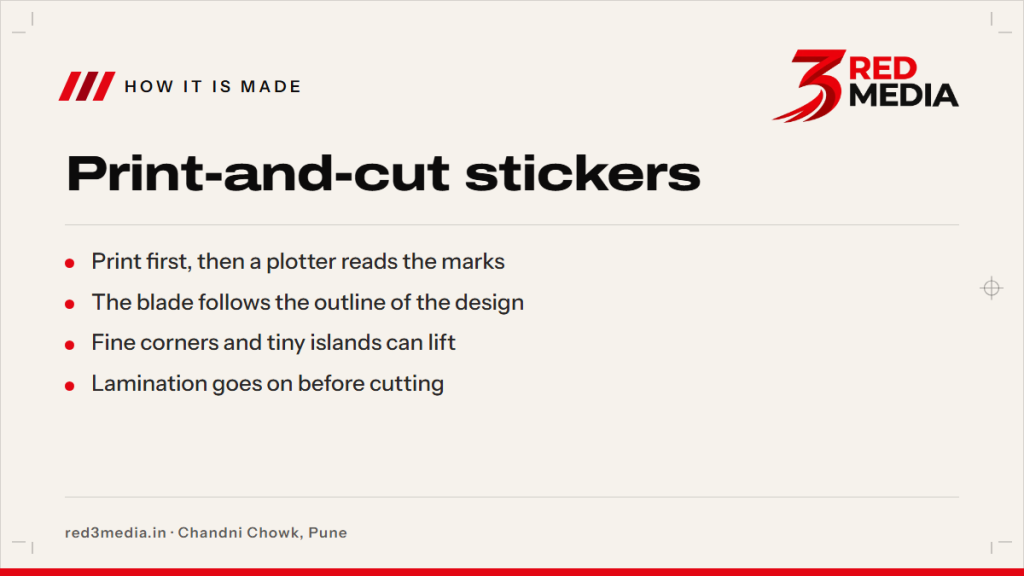
- The plotter reads the marks. A sensor finds them, corrects for any tilt or stretch, and the blade follows the cut line.
- The waste is weeded. The vinyl between stickers is peeled away, leaving stickers on the backing, ready to check and pack.
Print, laminate, cut is the usual order, and it explains why the plotter finds its position from marks instead of trusting the machine: lamination can stretch a sheet slightly.
What are registration marks and why do they matter?
Registration marks are small squares or L-shaped corners printed outside the sticker area. The cutter has an optical sensor that finds them and learns exactly where the print sits on the sheet.
Without them the blade cuts where the machine thinks the print is. A few millimetres of drift is enough to slice into the artwork or leave a fat white margin on one side. The marks must also survive to the cutting stage, so a sheet should never be trimmed so tight that they are lost.
What shapes and sizes can a plotter cut cleanly?
A plotter blade trails behind its pivot, so very sharp inner corners round off slightly and thin points can tear when the waste is peeled away. Smooth curves and generous corners cut most cleanly. A circle or rounded rectangle is the safest choice. A five-point star will cut, but its tips lift first, so slightly rounded points last longer on contour cut stickers.
| Feature | Cuts cleanly? | Fix |
|---|---|---|
| Smooth curves, rounded corners | Yes | None needed |
| Spikes under about 2 mm | Often tear | Round or thicken the tip |
| Islands, like the centre of an O | May lift | Keep them over about 3 mm, or drop them |
| Slits under about 1 mm | Unreliable | Widen the gap |
Size matters at both ends. Stickers under about 1 inch across are slow to weed and awkward to peel, so keep the shape simple at that scale. Very large pieces are limited by the roll width, so say the size you want and the layout is planned around it.
Which vinyl and lamination suit contour-cut stickers?
White gloss or matt vinyl suits most work, indoors and out. Clear vinyl gives the printed-on-glass look, but with no white underneath the colours turn translucent, so pale designs fade. It suits dark, bold artwork. For bikes, helmets and curved panels, ask for a film made to stretch and settle on curves.
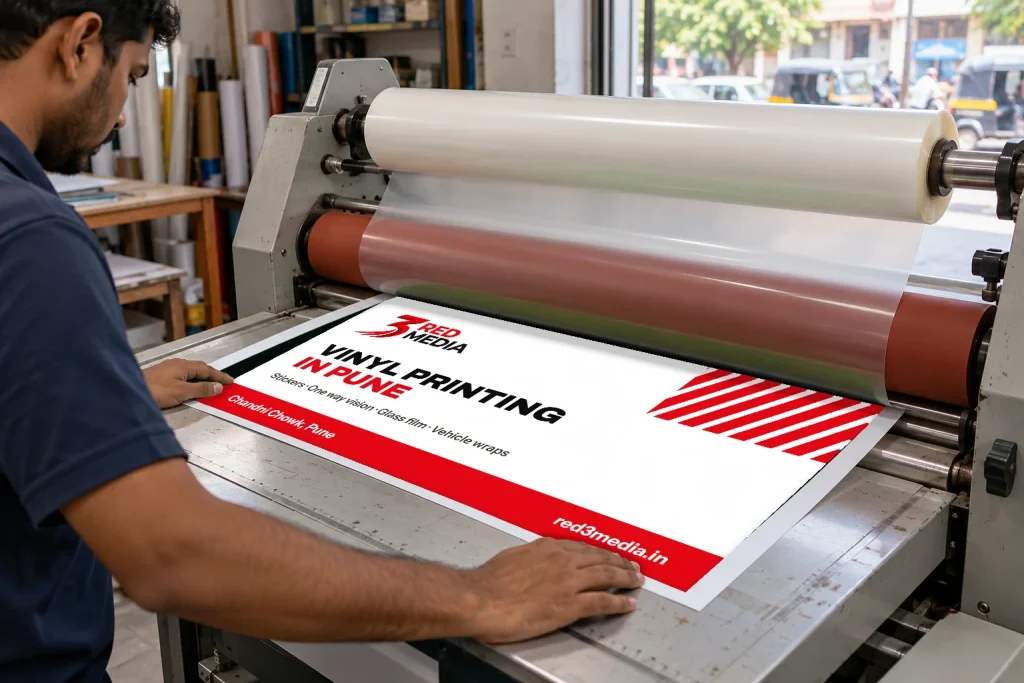
Lamination matters more than most buyers expect. A clear laminate guards the ink against scratches, wiping and sun, and any sticker that will face rain or a bike wash should have one. Gloss lifts colour while matt cuts glare, and indoor labels on a dry wall can often skip it.
How do I design a sticker with a bleed and a cut line?
- Draw the finished shape as a closed vector path and keep it in its own spot colour, separate from the artwork.
- Offset the cut line 1.5 to 3 mm outside the artwork for a white border, or follow the artwork edge exactly for a borderless shape.
- Extend background colours 2 to 3 mm past the cut line. That bleed hides small drift in the blade.
- Keep text and logos at least 3 mm inside the cut line.
- Send vector files such as PDF, AI, CDR or SVG; the artwork guide lists the formats.
On the proof for contour cut stickers, check three things: the cut line sits where you expect, the border is even all round, and no text is closer than 3 mm to the edge.
Plain coloured film works differently. It has no print and no marks to read, and the plotter simply follows the vector, as described under vinyl lettering.
How much space should I leave between stickers on a sheet?
Leave about 3 to 5 mm between cut lines so the blade has room and the waste strip can be weeded without tearing the stickers. Keep a margin of 10 to 15 mm around the sheet edge for the registration marks. Packing shapes tighter saves vinyl, but gaps under 2 mm make weeding slow and rip edges. Layout software can also nest awkward shapes, turning one sticker to fit the gap beside the next.
3 Red Media prints, laminates and cuts contour cut stickers at its Chandni Chowk unit in Pune, and vinyl sticker printing lists the sizes and finishes. How a print-and-cut unit works is covered in the vinyl printing machine guide. Upload artwork with the cut line already drawn through the quote form, and the proof shows the outline over your design before anything is cut.